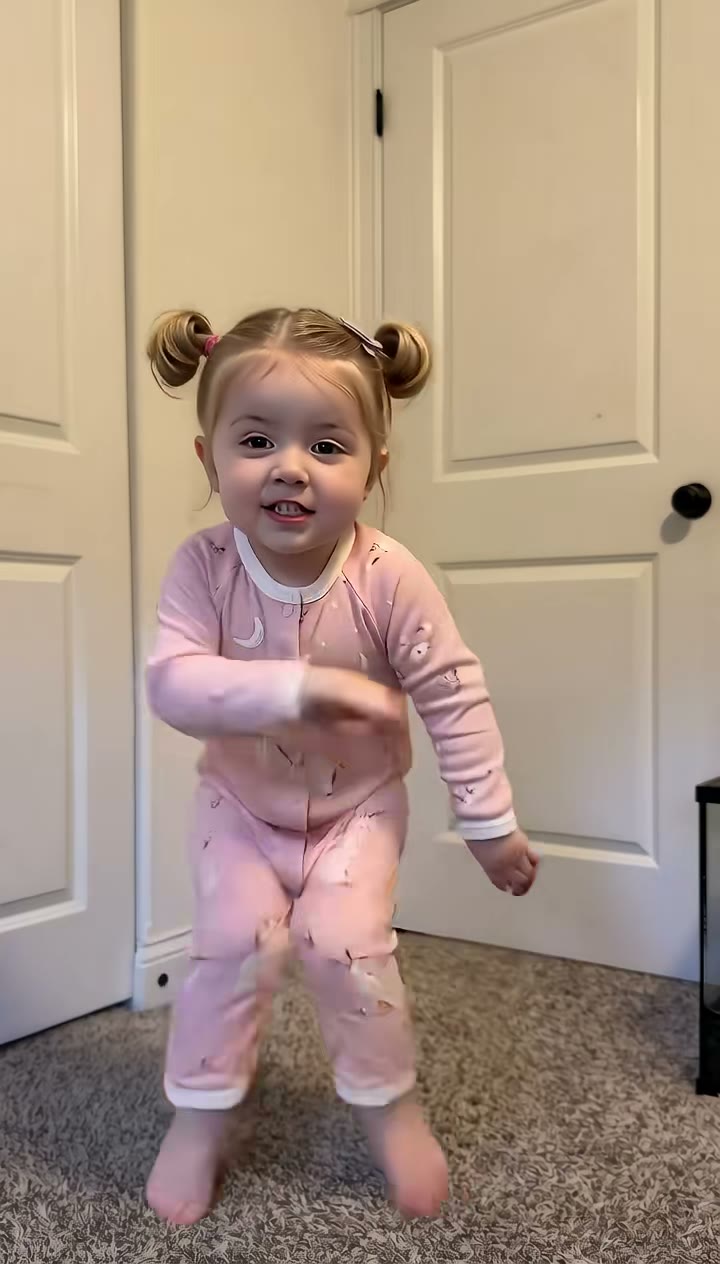
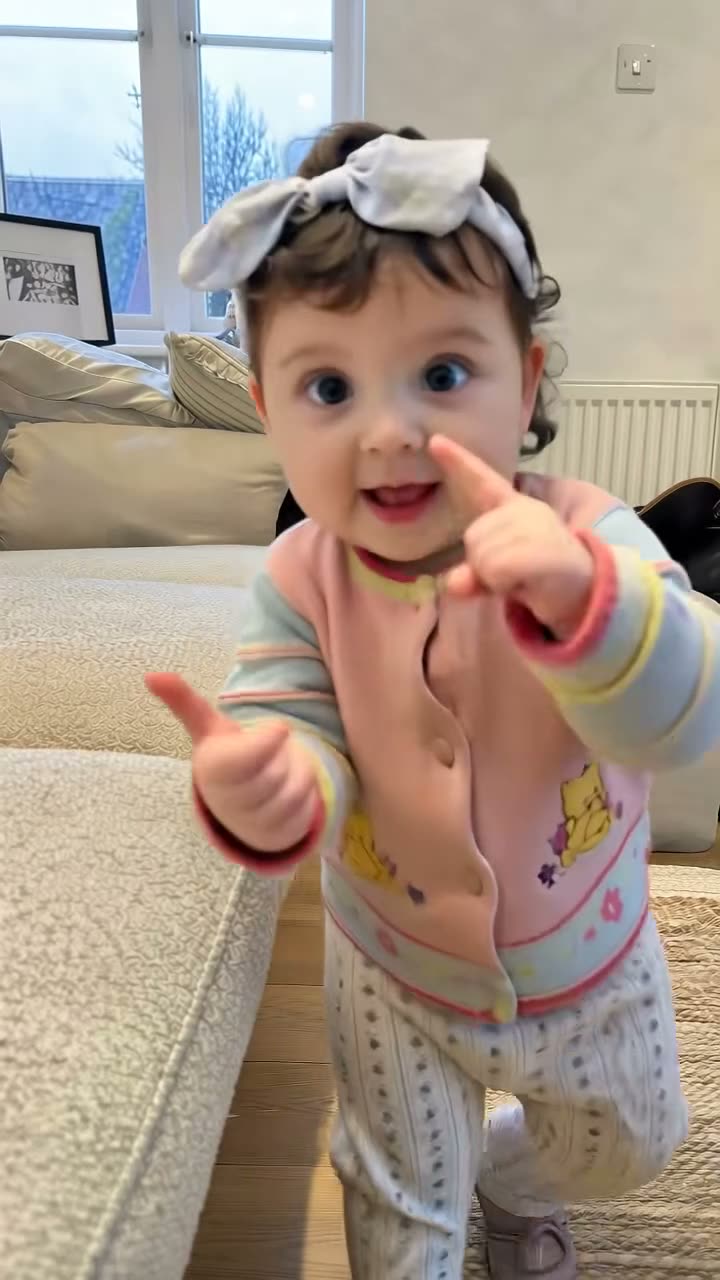
Babies and toddlers

AI baby video generator: your little one dancing the trend

Baby dance trends are made for the family group chat. Upload one photo of your baby or toddler and get them dancing to the trend everyone is posting, with the song.

  • No watermark
  • Failed renders refunded
  • Secure checkout

Pick one of 2 templates

Open a template to watch the original clip, its price and the photos it needs.

A dance video without the hundred takes

Getting a toddler to repeat a dance on cue almost never works. A baby template takes a photo you already have and turns it into the full routine, in time with the music, while your child keeps their own face, hair and outfit.

Your child’s photos stay private

Photos are only used to make your video and are deleted after 30 days. Nothing is posted anywhere unless you post it yourself.

Only upload photos of your own children, or of children whose parents agreed.

Length, sound and price

Baby templates come with the trend’s song and no watermark. Each one shows its length and credits before you render, and failed renders are refunded automatically.

Compare the templates

TemplatePhotosLengthFramePrice
Bulin 47 Baby1 photo15 s9:16from 15 credits
Bad Times Toddler1 photo26 s9:16from 15 credits

How it works

  1. 01

    Pick a baby trend

    Each template follows a real viral clip made for little ones.

  2. 02

    Upload one photo

    Your child alone, face visible, in good light.

  3. 03

    Share with family

    Download the video with its song and send it to the family.

Ideas for your next post

Family moments

  1. Bulin 47 Baby: “wait until your baby starts dancing”
  2. Bad Times Toddler: when it is time to leave the playground
  3. A birthday surprise for the grandparents

Milestones

  1. First steps, now with a full routine
  2. The first day at daycare
  3. Announcing a new sibling

Photo tips

  • Your child alone

    Crop out parents and siblings so the model uses the right face.

  • Face visible

    Front-facing, not mid-cry and not covered by a hand or toy.

  • Full body if you can

    Standing or sitting up shows the outfit the video will keep.

  • Soft, even light

    Daylight by a window works better than a flash.

Mistakes that make a video fall flat

  • Other people in the photo. A parent’s arm or a sibling in frame confuses the model. Crop to your child alone.

  • A face turned away. Side-on or crying photos lose the likeness. Pick a calm, front-facing one.

  • Posting someone else’s child. Only upload photos of your own child, or with the parents’ permission.

FAQ

Everything you need to know