

Duo, couple and squad trends

AI group video generator for you and your friends

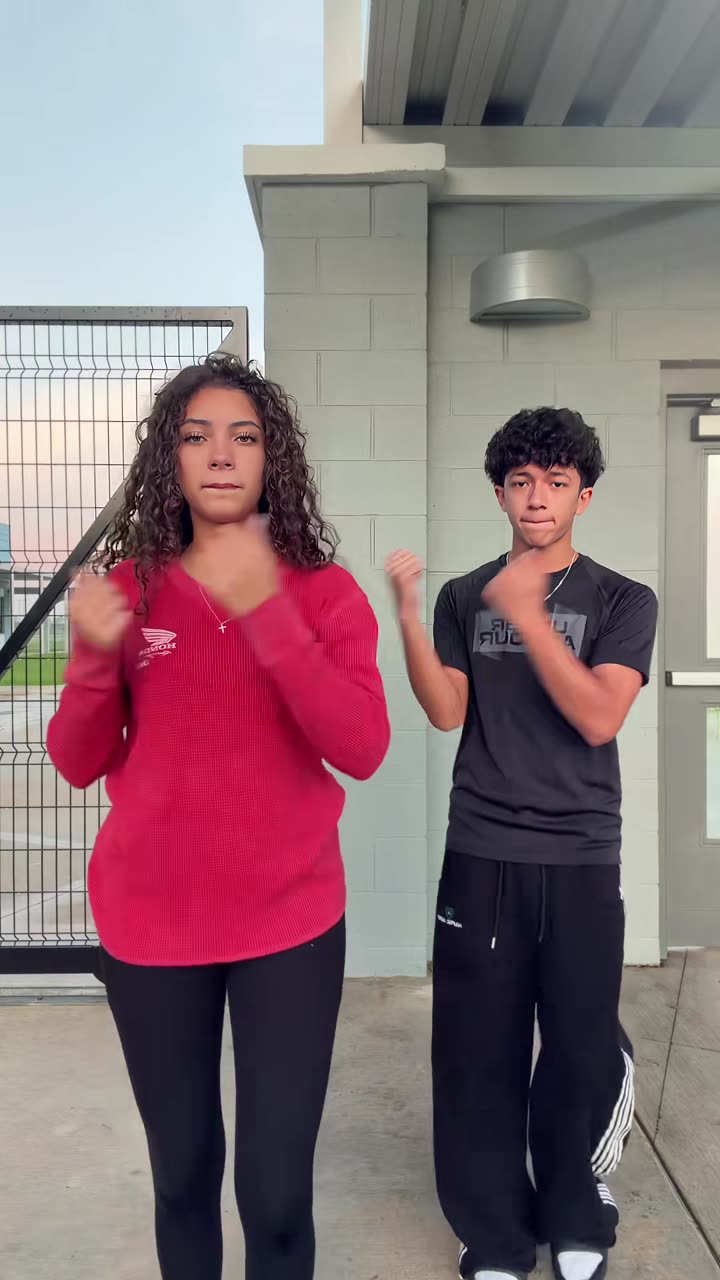
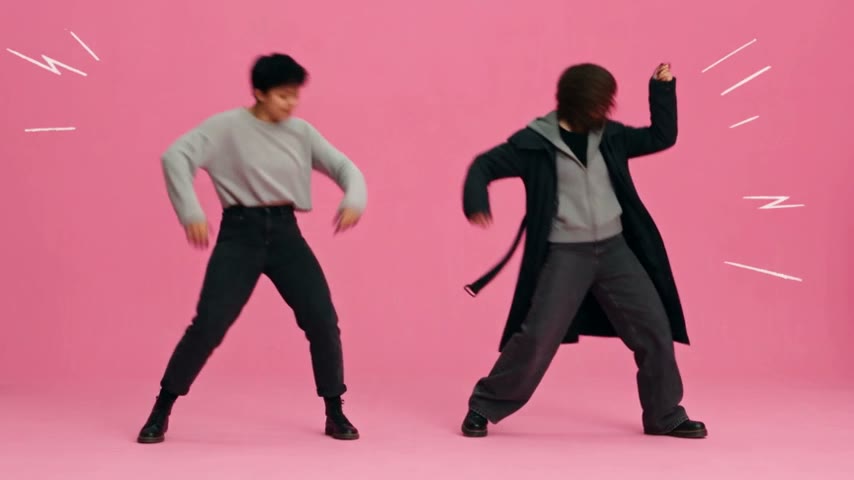
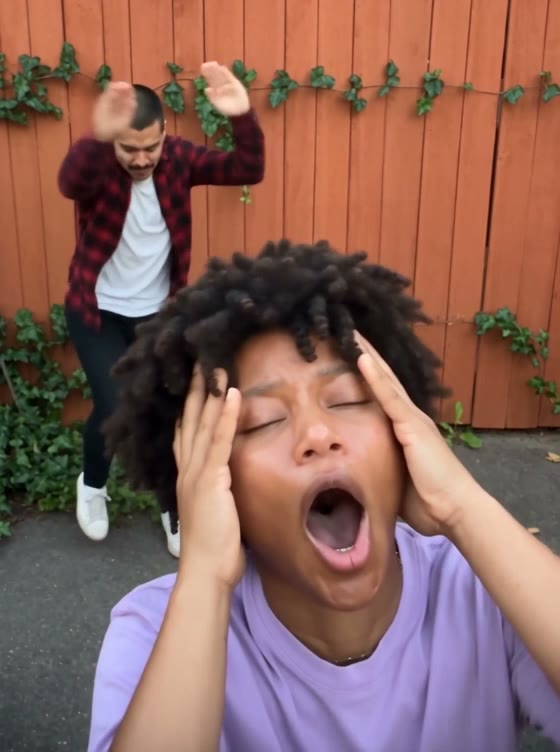
The trends that need two or three people: duets, couple dances and squad walks. Upload one photo per person, even if you were never in the same room, and get everyone dancing in the same clip.

  • No watermark
  • Failed renders refunded
  • Secure checkout

Why group trends are hard to film

A duo or squad trend needs everyone in one place, in sync, on the same take. That rarely happens: one person is in another city, another doesn’t dance, and someone has to hold the phone. With a group template, each person only sends a photo and the AI video model does the choreography for all of you.

Couples, best friends and long-distance squads

Couples use the duo dances for anniversaries and inside jokes, friend groups for birthdays and group chats, and creators for collabs with people they have never met. The photos don’t need to match: different backgrounds and lighting are fine, the template puts everyone in the same scene.

Only use photos of people who agreed to be in the video.

Length, sound and price

Group templates run from about 10 to 27 seconds with the original song. Balanced gives a highlight of up to 15 seconds, Premium the whole clip. Every template shows its credits before you render, and failed renders are refunded automatically.

Compare the templates

TemplatePhotosLengthFramePrice
Can I Ride2 photos10 s9:16from 10 credits
APT. Pink Studio2 photos26 s16:9from 15 credits
Alors on danse2 photos27 s4:3from 15 credits
Smalltown Boy2 photos21 s3:4from 40 credits
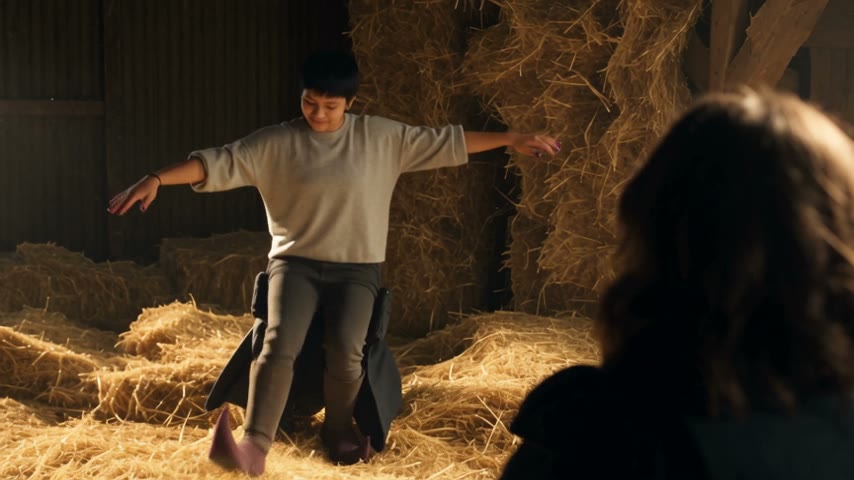
Rumpelstiltskin2 photos12 s16:9from 10 credits
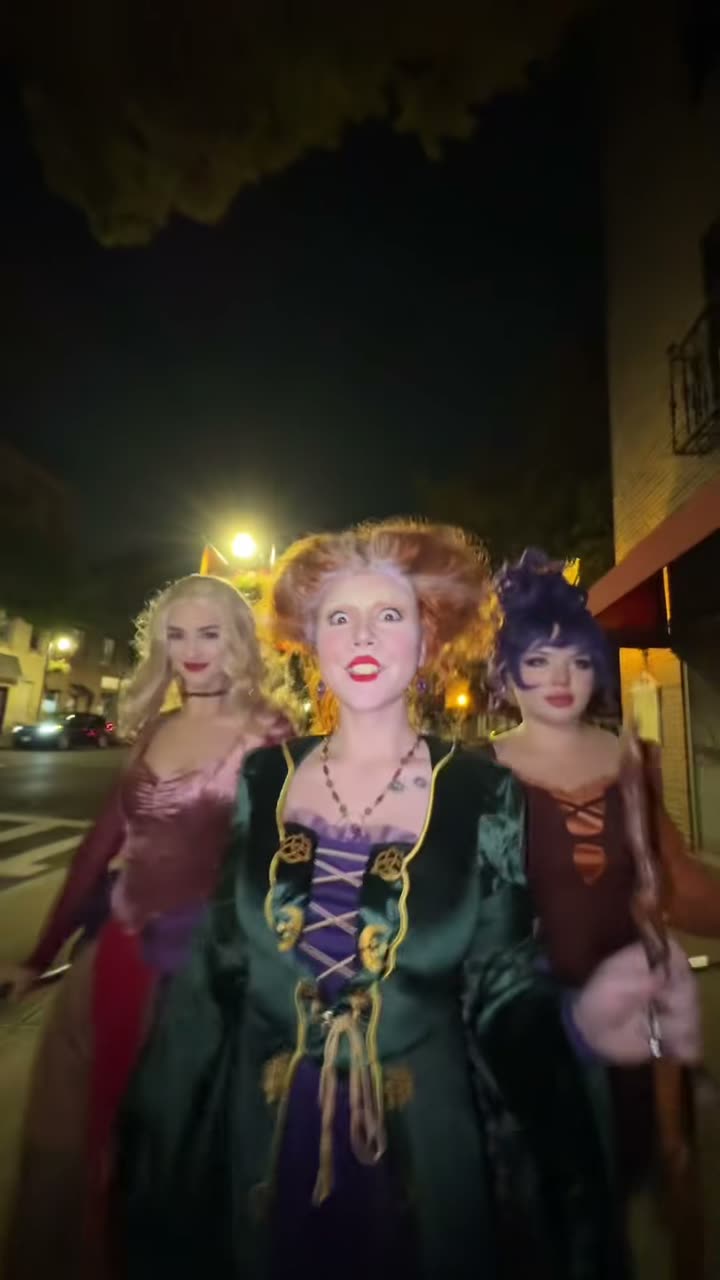
Ramalama Squad2–3 photos15 s9:16from 15 credits
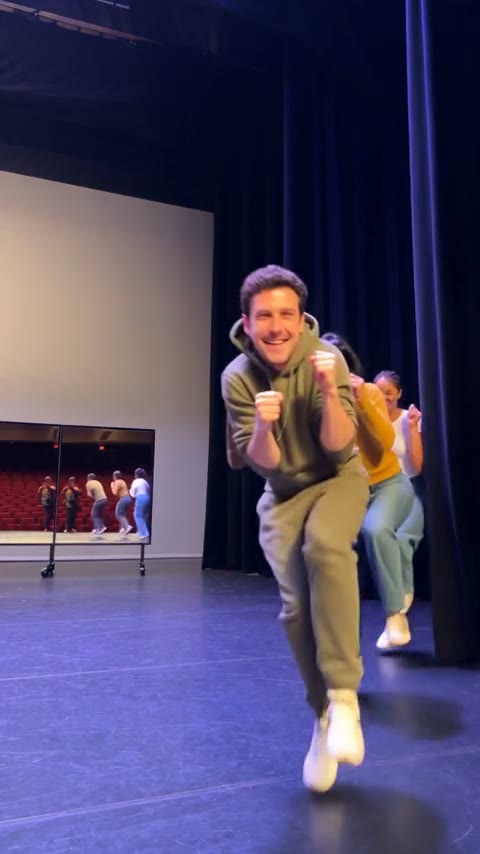
Toc Toc Dance1–3 photos10 s9:16from 10 credits
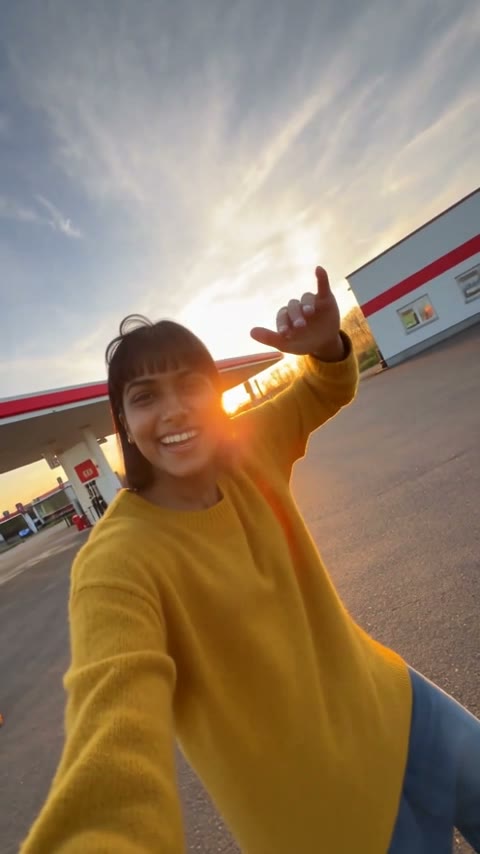
Gas Station Dance3 photos20 s9:16from 15 credits
Crazy Frog Duo2 photos15 s16:9from 15 credits
Crazy Frog Car3 photos15 s16:9from 15 credits

How it works

  1. 01

    Pick a group trend

    Each template says how many photos it needs and who stands where.

  2. 02

    One photo per person

    Photo 1 takes the first role, photo 2 the second, and so on.

  3. 03

    Share it with the group

    Download the video with its song and send it to the chat.

Ideas for your next post

Best friends

  1. Alors on danse: “us after the deadline”
  2. Smalltown Boy: finding out the trip is cancelled
  3. Rumpelstiltskin: sneaking out of the party early

Couples

  1. Can I Ride: the anniversary dance you never practiced
  2. APT.: a pink-studio music video for two
  3. Alors on danse: celebrating moving in together

Group chats and teams

  1. Gas Station Dance: the road trip, one shot each
  2. Toc Toc: the whole team charging the camera on launch day
  3. Ramalama Squad: the group Halloween costume reveal

Photo tips

  • One person per photo

    Don’t upload a group photo; crop each person on their own.

  • Similar framing

    Waist-up or full-body photos for everyone look the most natural.

  • Faces in the light

    Front-facing, no sunglasses, no heavy filters.

  • Mind the order

    The template page shows which photo plays which role.

Mistakes that make a video fall flat

  • Uploading one group photo. Each slot wants one person. Crop everyone into a photo of their own.

  • Mixing selfies and full-body shots. A close selfie next to a full-body photo makes people look different sizes. Use similar framing for everyone.

  • Wrong order. Photo 1 takes the first role. Check the template page and put the right friend in the close-up.

  • Not asking first. Only use photos of people who agreed to be in the video, and tag them when you post.

FAQ

Everything you need to know