How to Make the No Guidance Dance AI Video From One Photo
The No Guidance train dance step by step: where it comes from, what happens in the 11 seconds, the duo version for two, which photo to use and what it costs.
A train pulls out of the station, the passengers film through the window, and someone on the platform breaks into the No Guidance dance: hands behind the head, big hip swings, eyes locked on the lens. That train reel brought the dance back in October 2026. Here is how to be the one on the platform from a single photo, without learning a step.
1Upload a photo of you
JPG, PNG, WebP or HEIC · under 20 MB0/1 photos
Photos that work best
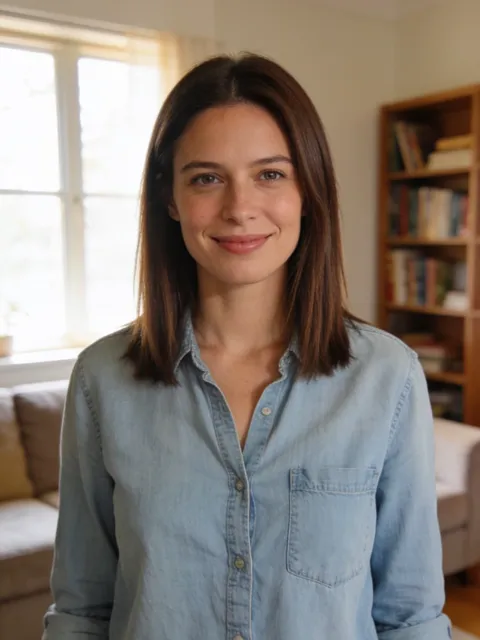
- Clear, waist up
- Screenshots, stickers
- Head only
- Too dark or blurry
2Pick a template
- 11 s video
- 9:16, like the original
- Original song available
- No watermark
3Version
By making a video, you confirm you own these photos or have permission from everyone in them, and they don't show celebrities or anyone under 18.
Renders in about 5–10 minutes. We email you the link. Automatic refund if the photo is rejected or the render fails.
What is the No Guidance dance trend?
"No Guidance" is a 2019 song by Chris Brown featuring Drake, whose video ends in a dance battle. In 2020 a remix by Ayzha Nyree took off on TikTok with the No Guidance challenge; #noguidance now has more than 29,000 videos and 544 million views. In autumn 2026 it came back as a train dance: on 6 October a Sydney creator danced it on a platform while a friend filmed from the departing train, and the clip passed 1.3 million views. The No Guidance Dance template keeps that platform, the departing train and the view through the window, and makes the dancer you.
How to make it
- Open the No Guidance Dance template.
- Add one sharp photo with your face turned to the camera; knees up or full body works best.
- Pick a version and generate. Premium and Balanced both render the whole 11-second clip.
- Download and post. The 9:16 MP4 already has the No Guidance sound, lined up from the first beat.
What happens in the video
- 0–3 s, run in: the train starts to move; you run in on the platform as the passengers film through the window.
- 3–8 s, the routine: hands behind the head, big hip swings and steps, eyes on the lens.
- 8–11 s, the train leaves: you keep dancing while the platform slides past and the train pulls away.
Solo or duo?
The solo version is the train reel. The duo version takes two photos and copies a couple dancing the routine side by side in their living room: photo 1 dances on the left, photo 2 on the right, for 12 seconds. Any two adults work: friends, a couple, siblings. Both versions cost the same.
Photos that work best
- Face first. The dancer is often small in the train reel, so a sharp, front-facing face matters more than the pose.
- Wear your dance fit. Your clothes come from the photo; a knees-up or full-body photo shows the whole outfit.
- One person per photo. No sunglasses, no mask, no beauty filter, and nobody else in the photo.
- Good light. A sharp, well-lit photo keeps your face steady through the moves.
- Ask first. For the duo, use your own photo and one of a friend who said yes.
What does it cost?
Balanced is 10 credits at 480p and 20 at 720p. Premium is 25 credits at 480p, 50 at 720p and 85 at 1080p. The duo version has the same prices. Without an account, one video starts at $7.99. No watermark, and failed renders are refunded automatically.
This site is independent and not affiliated with Chris Brown, Drake, Ayzha Nyree, their labels or the creators of the original clips.