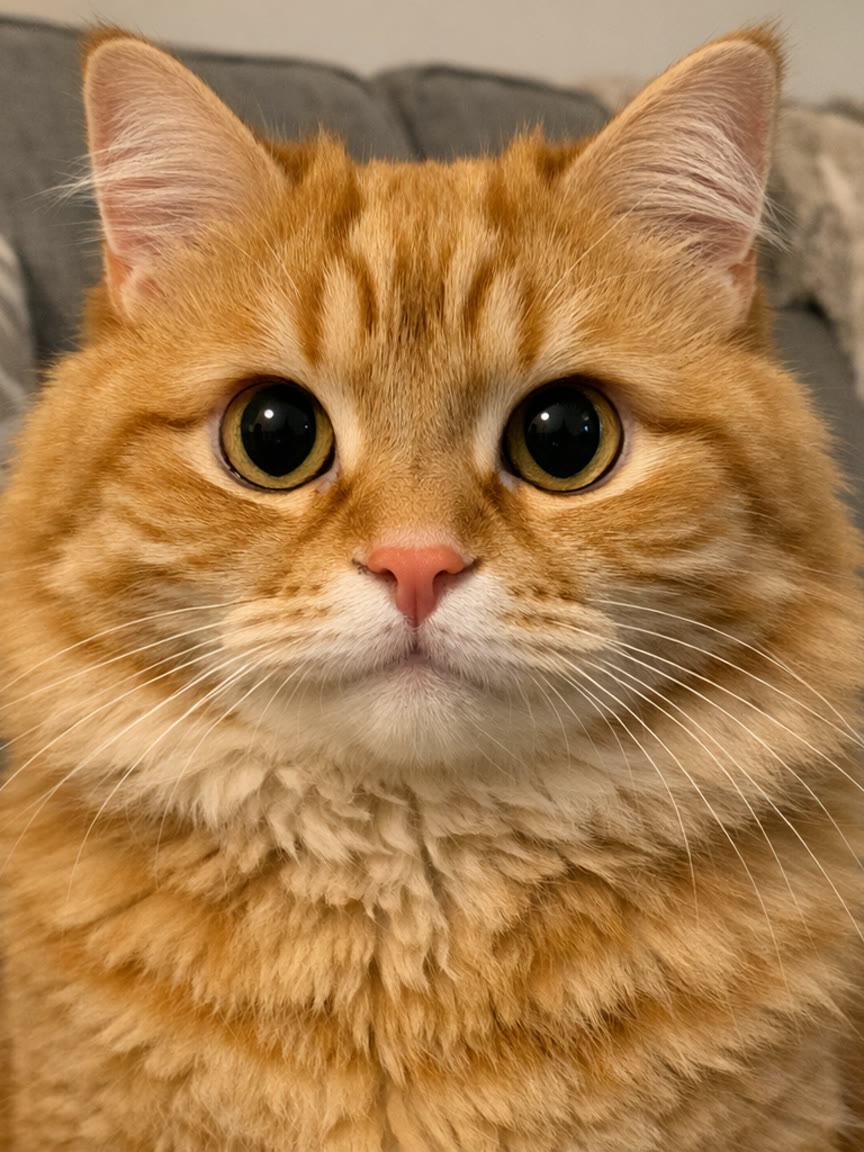
How to Make the Cat Head Bop AI Video From One Photo
The head bop trend step by step: which photo to use, what happens in the 12 seconds, pet or person, the sound and the price.
A row of cut-out heads on a black backdrop, small to big, nodding to a heavy beat. The best-known version uses four cats, and since late September 2026 people have been swapping in their own pets, families and anything else with a face. Here is how to make the whole row your cat, dog or you from one photo, without a CapCut template, keyframes or a prompt.
1Upload a photo of your pet
JPG, PNG, WebP or HEIC · under 20 MB0/1 photos
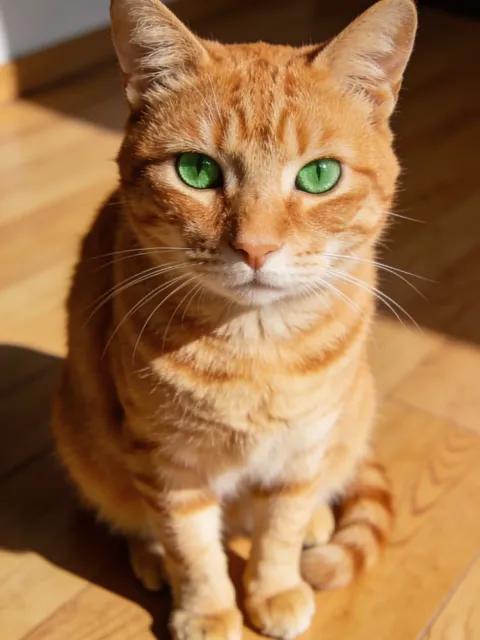
Photos that work best
- Clear, whole body
- Screenshots, stickers
- Head only
- Too dark or blurry
2Pick a template
- 12 s video
- 4:3, like the original
- Original song available
- No watermark
3Version
By making a video, you confirm you own these photos or have permission from everyone in them, and they don't show celebrities or anyone under 18.
Renders in about 5–10 minutes. We email you the link. Automatic refund if the photo is rejected or the render fails.
What is the head bop trend?
The head bop (or headbop) is a short edit where cut-out heads in a row bob to a heavy beat on a black background. Head bop animations have been around on TikTok since 2022. The current wave started on September 28, 2026 with a row of bopping fighter jets, and the four-cat version became the one everyone copied, including CapCut's "Cat Headbop" template. The Head Bop template follows the trend clip, so the row, the bopping and the camera push-ins land where they did in the original, and every head is the subject from your photo.
How to make it
- Open the Head Bop template.
- Choose who is in it: your pet, or you.
- Add one photo: one cat, dog or person facing the camera, face clear. A head-and-shoulders photo works best.
- Pick a version and generate. Every version renders the whole 12-second clip.
- Download the MP4 or share it straight to TikTok, Reels or Shorts. The trend sound is already on it.
What happens in the video
- 0–4 s: a fade from black into four heads, small to big, bopping in turn to the beat.
- 4–6 s: the camera moves in until the biggest head fills one side, then a dark flash on the drop.
- 6–9 s: the row flips, big to small now runs the other way, and the bopping carries straight on.
- 9–12 s: heads squeezed together, a last few bops and an open mouth on the final beat.
The video is 12 seconds long, a 4:3 MP4 with the trend sound.
Your pet or you?
The template has two versions at the same price. "Your pet" turns every head in the row into your cat, dog, rabbit or other pet, keeping its fur and markings. "You" takes a front-facing photo of yourself, or of a friend who agreed to it, and the row becomes four of that person's heads bopping together.
Photos that work best
- Face the camera. Front-on photos with both eyes visible bop best; side profiles turn into odd shapes once the head starts moving.
- Head and shoulders. The row only shows heads and necks, so a close photo gives the video more detail.
- Bright, even light keeps fur colour, markings and skin tone the same in every head of the row.
- One subject per photo. Crop to the pet or person you want; two animals in one photo can blend into one strange head.
- Pets: catch them still. A sharp photo of a sitting cat or dog beats a blurry action shot. Whiskers, ears and markings carry over.
- Use photos you're allowed to use: your own pets, yourself, or friends who agreed to it. Photos of celebrities or other public figures won't pass review.
What does it cost?
Balanced is 10 credits at 480p and 20 at 720p. Premium is 25 credits at 480p, 50 at 720p and 85 at 1080p, and your account's first full 480p video costs just 20 credits. Without an account, one video starts at $7.99. No watermark, and failed renders are refunded automatically. Your photo is deleted 30 days after the video is made.